

Adding Interactive Elements with H5P
Getting our online learners involved with our content

Looking for a way to make your online content a little more interactive? A strong interactive learning experience not only helps learners understand the content, it also increases the level of learner satisfaction.1 That’s a win-win!
Quick Tip
As I explain in the following video, one of my favorite interactive-making tools for our micro-courses is H5P. See a few examples of H5P in action and give it a try!
Here’s more info about H5P from their website.
Check out more examples on the H5P demo site.
Explore the support page, How to Use H5P - The Basics.
Interactivity in Action
Over the past week, I have enjoyed meeting with multiple course authors who are getting started with their next course project, and some that are nearly finished. There are great ideas for interactives swirling around in the minds of our microlearning authors.
Let’s look at a few examples in action.
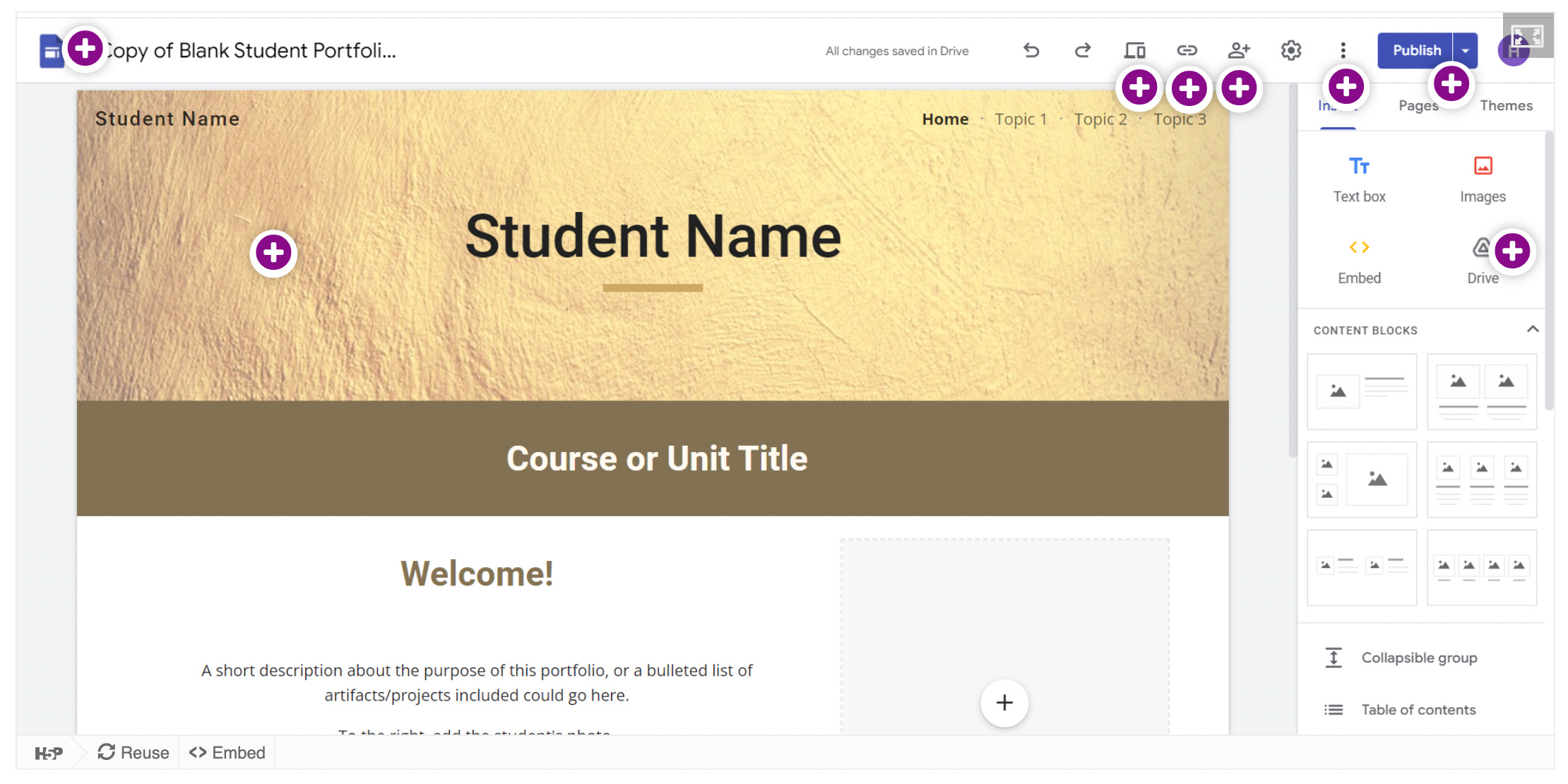
Hannah found a way to create an interactive screenshot to include in the course she is authoring about student portfolios. This work is in progress but check back soon to see the finished result.
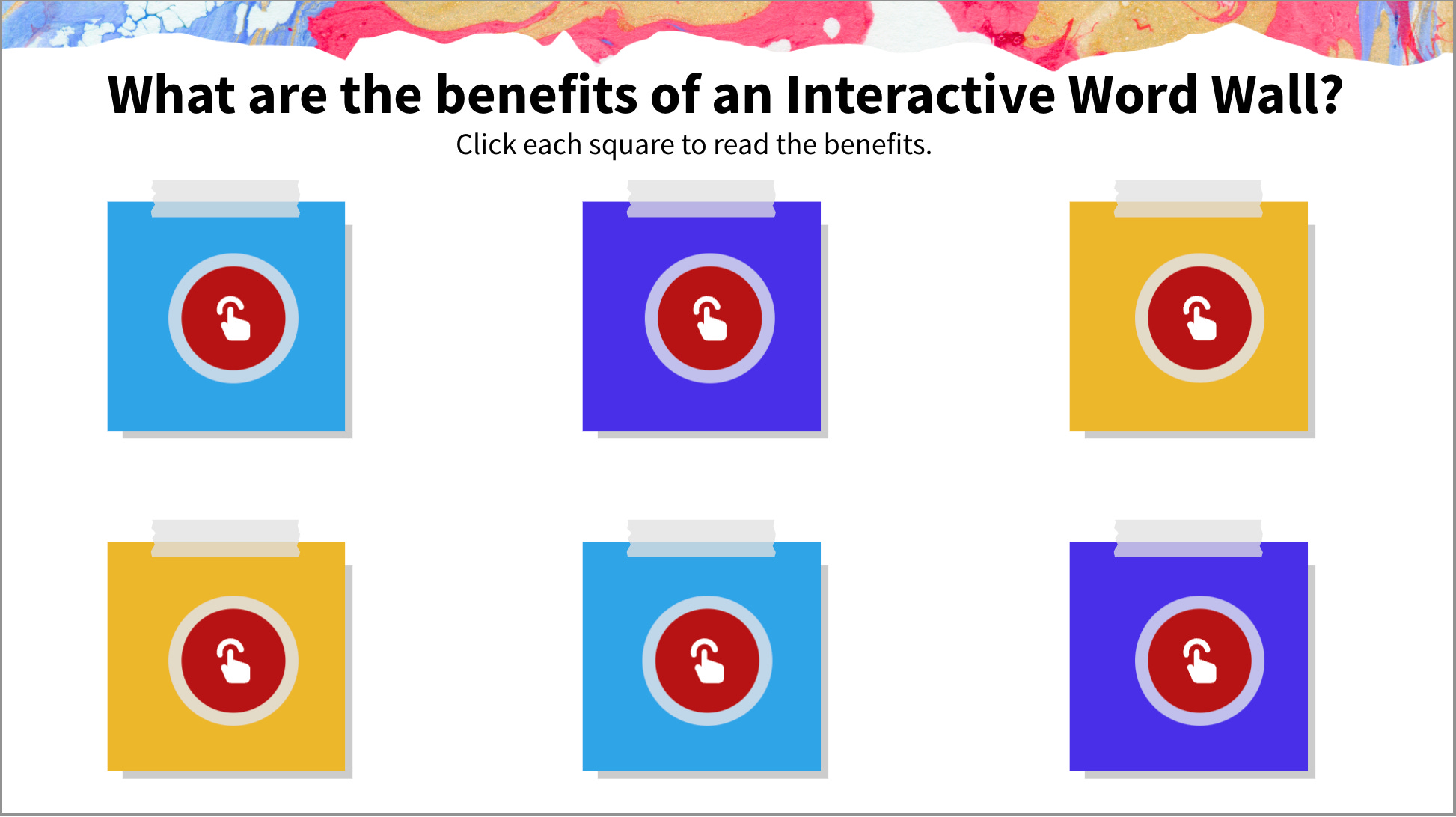
Kelli is working out how to use a virtual word wall to kick off her course about interactive word walls for the in-person classroom. She also shares word wall benefits in a way that is a bit more interactive than a bulleted list. Clever!
How can an interactive enhance the course you are working on?
FYI… New at JoltEDU
We recently added 5 new micro-courses to our JoltEDU catalog. Thanks to authors like you, our catalog now features 71 short courses on a wide variety of topics. The latest releases are:
Creating Content that THRIVES (free for IU8 schools)
Developing the Portrait of a Learner (for school leaders)
Dailey-Hebert, A. (2018). Maximizing interactivity in online learning: Moving beyond discussion boards. Journal of Educators Online, 15(3). https://doi.org/10.9743/jeo.2018.15.3.8